Available on the App Store
Tap. Read. Write.
NFC made simple.
Turn any NFC tag into a Wi-Fi sharer, digital business card, smart trigger, or anything you imagine. Beautiful, private, and powerful.
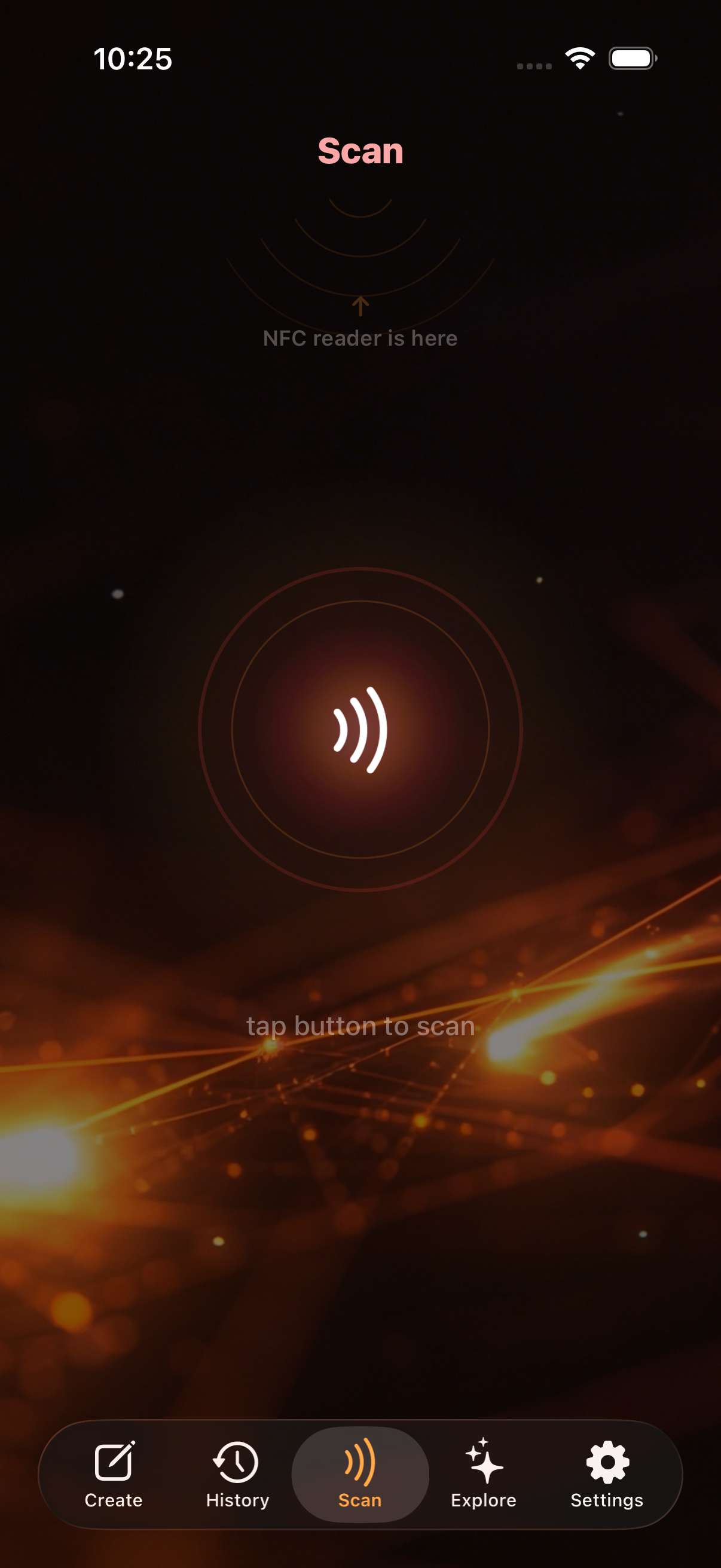
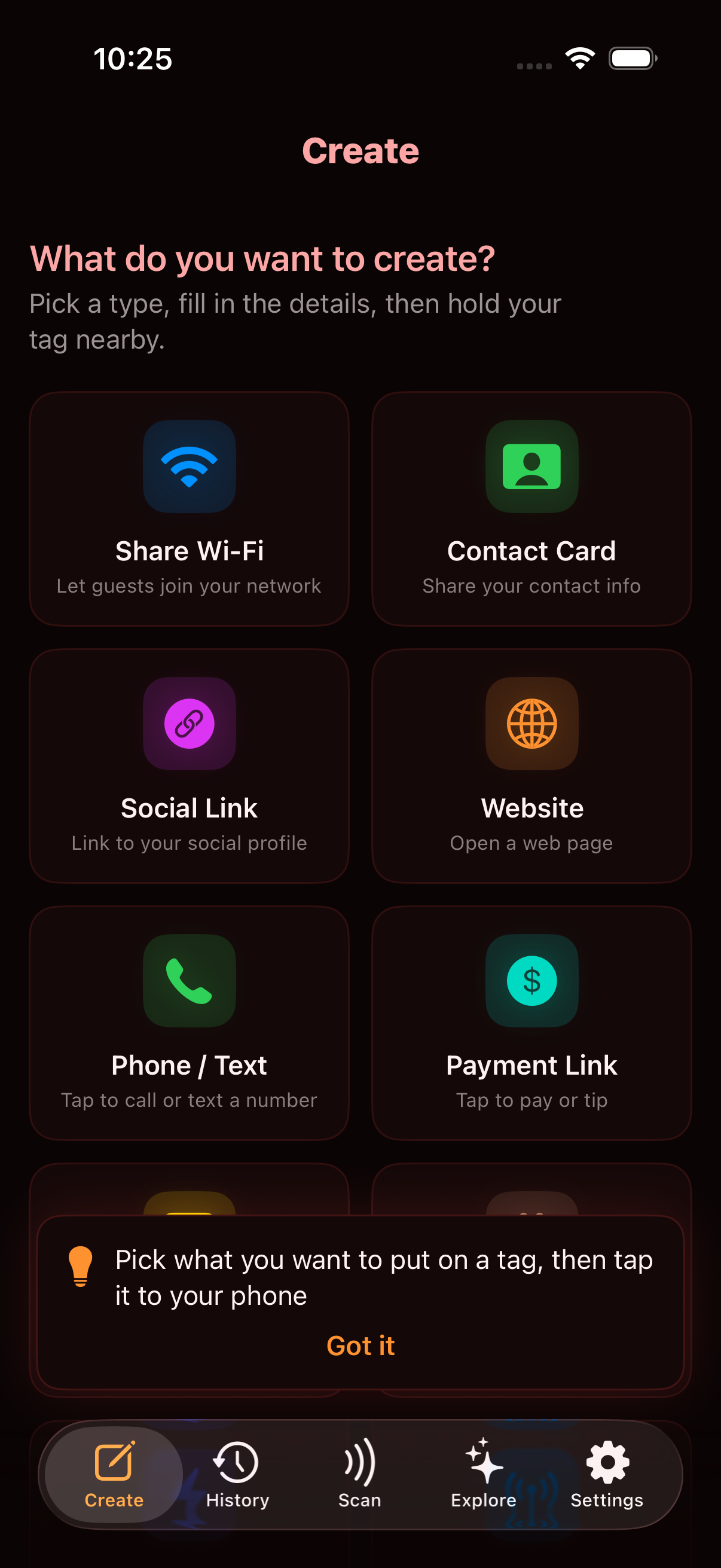
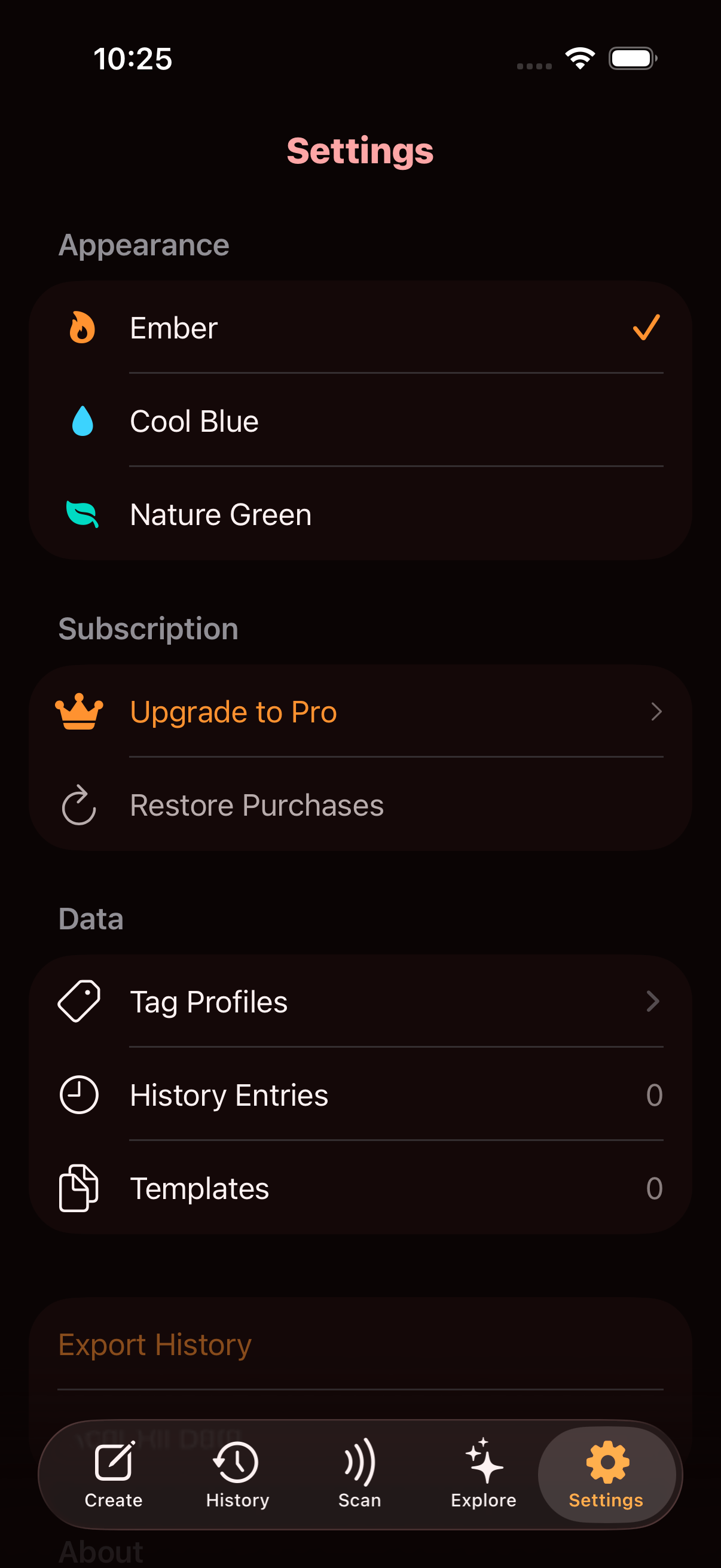
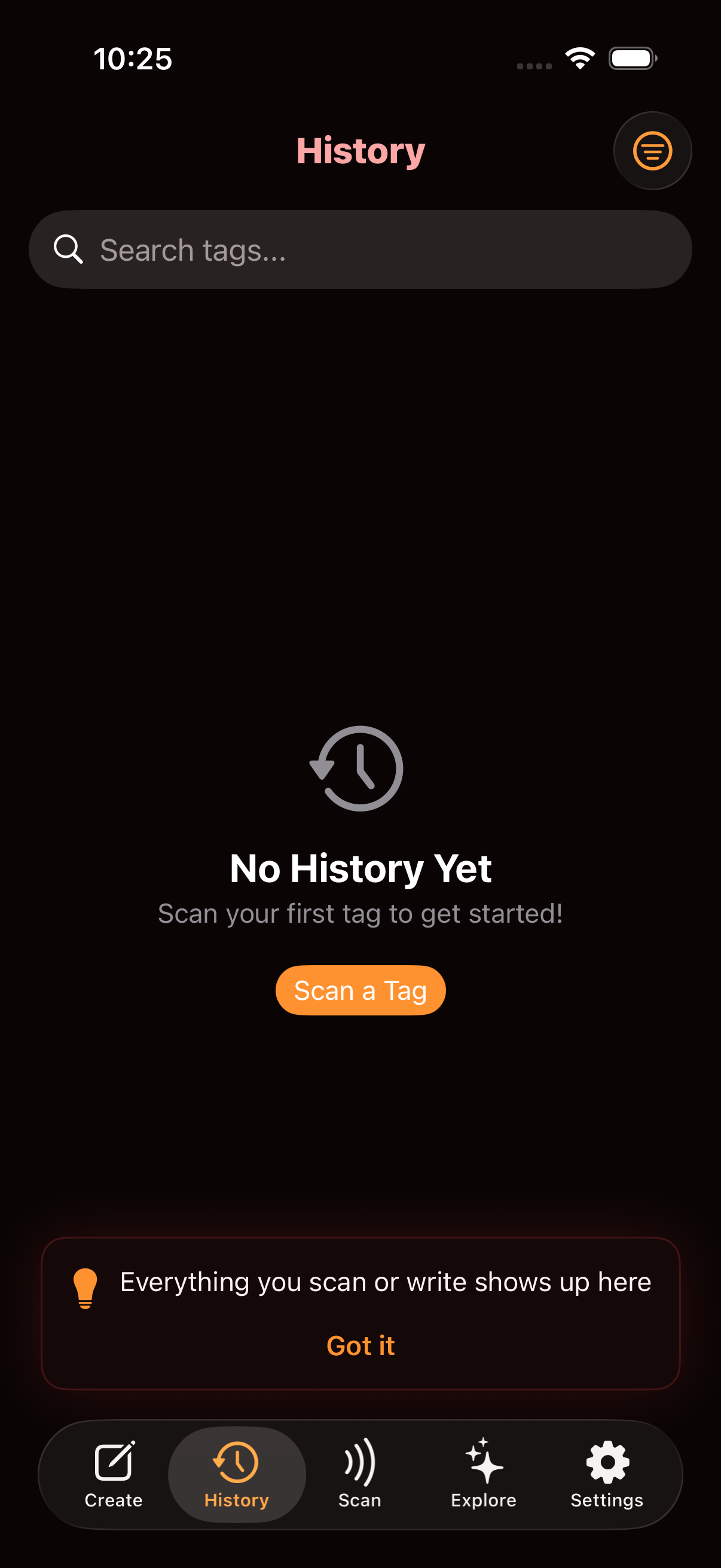
Turn any NFC tag into a Wi-Fi sharer, digital business card, smart trigger, or anything you imagine. Beautiful, private, and powerful.
Read, write, organize, and explore — NFCThis is the only NFC app you'll ever need on your iPhone.
Hold your iPhone near any NFC tag and get a beautiful, type-specific result card. URLs, Wi-Fi, contacts, text — all auto-detected.
Write tags without any technical knowledge. Pick a preset like Wi-Fi, Contact Card, or Social Link, fill in the details, and tap.
Every scan and write is automatically saved. Search, filter by type, favorite important tags, and export your history as JSON.
Save your favorite tag configurations as reusable templates. Write the same data to multiple tags in seconds.
Name your tags, assign emoji icons, and track how many times each tag has been scanned. Your tags, organized.
Erase tags completely or lock them permanently. View detailed tag info including UID, type, and NDEF capacity.
No technical knowledge needed. Pick a scenario, fill in the blanks, and tap your tag.
Guests tap to connect — no password typing
Digital business card on a tag
Instagram, TikTok, LinkedIn & more
Any URL, one tap away
Instant call or message link
Venmo, PayPal, or tip jar
Drive Google & Yelp reviews
Emergency contact on a tag
Launch any iOS Shortcut
Write any custom message
Three handy utilities that pair perfectly with NFC tags. All with Siri Shortcuts support.
Log your daily water intake with a beautiful animated progress ring. Tap the NFC tag on your water bottle to log a glass instantly via Shortcut.
A fresh motivational quote every day from a curated collection of 500+. Share your favorites. Put a tag on your mirror to see today's quote each morning.
Never forget to feed your pet or water your plants. Set schedules, log care events, and see at-a-glance status. Tag on the pet bowl or plant pot.
New to NFC? No worries. Here's exactly how to set up a tag for each mini app — it only takes a minute.
Stick a tag on your water bottle. Every time you fill up, tap the bottle with your phone to log a glass — no need to open the app.
Grab an NTAG215 sticker. Search "NTAG215 stickers" on Amazon. Any NFC sticker works, but NTAG215 is the most popular and reliable.
Open the Shortcuts app on your iPhone. Tap + to create a new shortcut. Search for "Log Water" — you'll see the NFCThis action. Add it, and name your shortcut something like "Log Water".
In NFCThis, go to the Create tab. Pick the "Shortcut Trigger" preset. Type the name of your shortcut (e.g., "Log Water"). Tap Write to Tag, then hold a blank NFC sticker to the top of your phone.
Peel the sticker and place it on your water bottle, lid, or coaster — wherever you'll naturally see it. The sticker is thin and waterproof.
Every time you fill your bottle, hold the top of your iPhone near the sticker. The shortcut runs in the background — no app opens, no fuss.
Open the Water Tracker in the Explore tab anytime to see your progress ring and today's log. Your goal is 8 glasses — the ring fills up as you go!
Put a tag on your bathroom mirror, bedside table, or desk. Tap it each morning to get a motivational quote — a simple way to start your day right.
Grab an NTAG215 sticker — the smallest NFC tag works fine for this. You can also use a keychain tag or NFC card if you prefer.
Open the Shortcuts app. Tap +, search for "Daily Quote", and add the NFCThis action. Name it "Daily Quote" or "Morning Quote".
In NFCThis, go to Create > Shortcut Trigger. Type the name of your shortcut. Tap Write to Tag and hold the sticker to your phone.
Great spots: bathroom mirror (morning routine), bedside table (wake-up ritual), desk (work break), or fridge (grab a snack + get inspired).
Hold your phone near the tag. Siri reads you a random motivational quote from a curated collection of 500+. A different quote every tap.
Want to share a great quote? Open the Daily Quote screen in the Explore tab to see today's featured quote and share it with friends via the share button.
Stick a tag on your pet's food bowl or plant pot. Tap it when you feed or water — the app tracks your schedule and tells you when care is due.
Open NFCThis, go to Explore > Care Tracker. Tap + to add an item. Give it a name (e.g., "Buddy" or "Fern"), pick the type (pet or plant), and set how often it needs care.
Open Shortcuts, tap +, search for "Log Care", and add the NFCThis action. It will ask for an Item Name — type the exact name you used in step 1 (e.g., "Buddy").
In NFCThis, go to Create > Shortcut Trigger. Type the shortcut name. Tap Write to Tag and hold a blank NFC sticker to your phone.
For pets: food bowl, treat jar, or near their cage. For plants: directly on the pot, or on the shelf nearby. Use one tag per pet or plant.
After feeding Buddy or watering Fern, tap the tag with your phone. The care event is logged instantly in the background.
The Care Tracker shows color-coded status for each item:
Everything you need to get started:
Explore creative NFC ideas organized by category, with interactive flip cards and step-by-step guidance.
10 ideas
9 ideas
7 ideas
7 ideas
6 ideas
8 ideas
8 ideas
9 ideas
Each theme includes a unique color palette and animated looping background video.
Warm orange & red tones
Calm cyan & blue tones
Fresh mint & green tones
Core NFC reading and writing is completely free. Upgrade for premium features.
Download NFCThis free on the App Store and start scanning, writing, and creating with NFC tags today.
Requires iPhone 7 or later with iOS 17+